How to download JD.com (京东) product images
China's #2 retailer has Amazon-style logistics, authentic-product guarantees, and consistently professional product photography. Here's how to grab it all.
JD.com is the Amazon of China — vertically integrated, owns its warehouses, runs its own delivery fleet, enforces a zero-tolerance counterfeit policy. The benefit for resellers: JD product photos are consistently high quality and the product is consistently authentic.
Steps
- Open the product on
item.jd.com(mainland) orglobal.jd.com(JD Worldwide). - Copy the URL.
- Go to alidownpro.com, paste, click Extract.
- Browse Gallery / Variants / Videos tabs.
- Click Download all as ZIP.
What you’ll get
- Main gallery (1200-2000 px)
- SKU variant photos with translated labels
- A+ infographics
- Product demo videos in MP4
- Specification table images
JD vs Tmall vs Taobao
For a reseller researching photos:
- Tmall: brand-store official photos — best polish.
- JD: authentic-product photos — best logistics info.
- Taobao: open marketplace — most variety, mixed quality.
FAQ
Can I download photos from JD Worldwide (global.jd.com)?
Yes. AliDownPro supports both global.jd.com (English, international shipping) and item.jd.com (mainland China).
Are JD product photos higher quality than Taobao?
Usually yes. JD's strict counterfeit policy and brand-store program mean photos tend to be professional studio shots — closer to Tmall than Taobao.
Does JD support international buyers?
JD Worldwide (global.jd.com) ships to 200+ countries. Mainland JD (item.jd.com) is China-only — but AliDownPro can still extract its photos regardless of your location.
Related
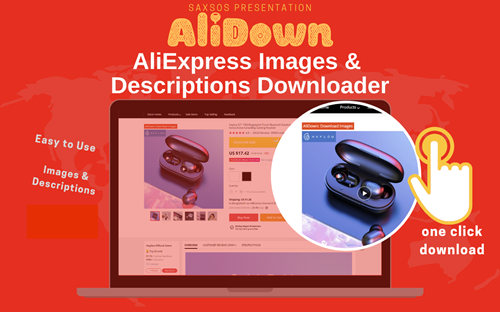
Skip the URL paste. Download right from the AliExpress page.
Install the official AliDown Chrome extension and grab every product image, variant, and video — including review photos — in one click. Unlimited downloads, forever free, no credits needed.
- One-click bulk download
- ZIP, single files, or HD originals
- No login required, no credit limit
- Works on AliExpress, AliBaba & Taobao
⭐ 4.9 / 5 average rating · 10,000+ active users