How to download Taobao & Tmall product images
Sourcing from China? Taobao often has higher-quality manufacturer photos than the AliExpress equivalent.
Taobao is the Chinese-market storefront of the Alibaba Group, and Tmall is the “premium brand” tier of Taobao. Many products you see on AliExpress originate on Taobao with even better photography and more variant detail. AliDownPro supports both.
Steps
- Open the Taobao or Tmall product page.
- Copy the URL — both
item.taobao.comanddetail.tmall.comwork. - Paste into AliDownPro and click Extract.
- You’ll see the gallery, variant photos, and videos.
- Click Download all as ZIP.
Auto-translated variant labels
Taobao variant names are in Simplified Chinese. AliDownPro translates them automatically into English so you can identify files like 米色-大码.jpg as beige-large.jpg when you import them into Shopify.
When to use Taobao over AliExpress
- You want the lowest-possible wholesale-style pricing.
- You’re using a sourcing agent in China (CSSBuy, Superbuy, Pandabuy).
- You want the manufacturer’s original photography.
- You’re researching trends 30-60 days before they hit AliExpress.
Next
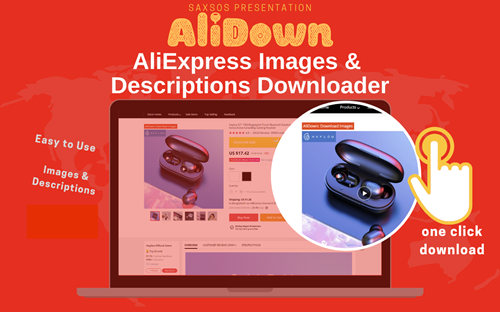
Skip the URL paste. Download right from the AliExpress page.
Install the official AliDown Chrome extension and grab every product image, variant, and video — including review photos — in one click. Unlimited downloads, forever free, no credits needed.
- One-click bulk download
- ZIP, single files, or HD originals
- No login required, no credit limit
- Works on AliExpress, AliBaba & Taobao
⭐ 4.9 / 5 average rating · 10,000+ active users