How to download AliBaba product images
Wholesale-grade product photos for Amazon FBA, Etsy, and your own ecommerce store.
AliBaba is the world’s largest wholesale marketplace — and most listings have more photos than the equivalent AliExpress page. AliBaba sellers often upload 30–80 high-quality images, including factory shots, certification scans, packaging shots, and variant photos. AliDownPro extracts them all.
Steps
- Open the AliBaba listing (works for both
www.alibaba.comandm.alibaba.com). - Copy the URL.
- Paste it into AliDownPro and click Extract.
- Browse the gallery + variant + video tabs.
- Click Download all as ZIP.
What you’ll get
- Main product gallery in original resolution.
- SKU / variant photos (often labeled by color or size).
- Packaging and shipping photos.
- Certification scans (CE, FCC, RoHS where uploaded).
- Demo videos.
Why this matters for Amazon FBA
Amazon’s catalog requires a pure-white main image and at least 1000×1000 px for zoom. AliBaba suppliers — especially OEM/ODM ones — typically provide white-background images that meet Amazon’s standards out of the box. AliDownPro lets you grab them all in one ZIP.
Next
Skip the URL paste. Download right from the AliExpress page.
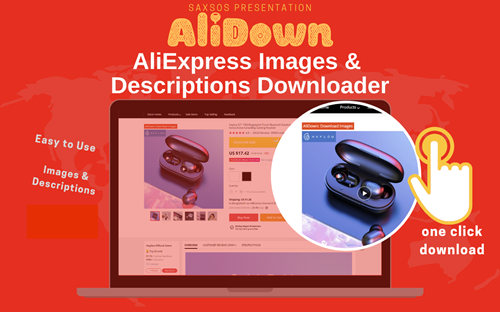
Install the official AliDown Chrome extension and grab every product image, variant, and video — including review photos — in one click. Unlimited downloads, forever free, no credits needed.
- One-click bulk download
- ZIP, single files, or HD originals
- No login required, no credit limit
- Works on AliExpress, AliBaba & Taobao
⭐ 4.9 / 5 average rating · 10,000+ active users