How to download DHgate product images and videos
DHgate sits between AliExpress retail and AliBaba wholesale — English-first, USD-priced, low MOQs. Here's how to extract every photo.
DHgate is the cross-border B2B alternative to AliBaba — English UI, USD pricing, lower minimum order quantities, faster ePacket shipping. Popular with resellers who want wholesale-style pricing but can’t commit to wholesale-style quantities.
Steps
- Open the product on
www.dhgate.comorm.dhgate.com. - Copy the URL.
- Go to alidownpro.com, paste, click Extract.
- Browse Gallery / Variants / Customer photos / Videos.
- Click Download all as ZIP — sorted folders ready for import.
What you’ll get
- Main product gallery in original resolution
- Per-SKU variant photos (color, size, style)
- Lifestyle and infographic images
- Demo videos in MP4
- Customer review photos
- Specification tables
Amazon FBA workflow
- Find your target product on AliExpress to gauge demand and retail pricing.
- Search DHgate for the wholesale version — usually 30-50% cheaper per unit at 50+ pieces.
- Use AliDownPro to pull every photo from the DHgate listing.
- Select the cleanest white-background image as your Amazon main photo (1000×1000+ required).
- Use the variant photos for slots 2-7.
FAQ
Are DHgate photos higher quality than AliBaba?
Quality is mixed — DHgate has a wider seller-quality range. Stick to top-rated sellers (4.5★+ with 500+ orders) for reliable photo quality. AliDownPro returns whatever the seller uploaded at original resolution.
Does DHgate ship worldwide?
Yes. DHgate ships to 220+ countries via ePacket, EMS, and DHL. The platform is built around cross-border B2B.
Why use DHgate instead of AliBaba?
DHgate has lower MOQs (often single-piece minimums) and English-first listings with USD pricing. Good middle ground between AliExpress retail and AliBaba wholesale for sellers who can't hit AliBaba's high minimums.
Related
Skip the URL paste. Download right from the AliExpress page.
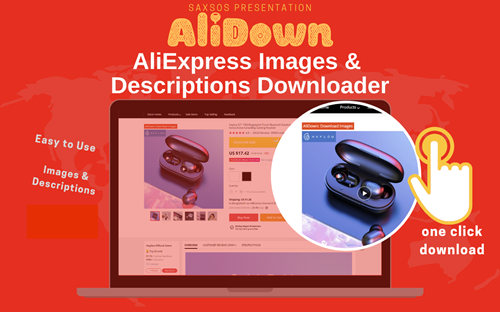
Install the official AliDown Chrome extension and grab every product image, variant, and video — including review photos — in one click. Unlimited downloads, forever free, no credits needed.
- One-click bulk download
- ZIP, single files, or HD originals
- No login required, no credit limit
- Works on AliExpress, AliBaba & Taobao
⭐ 4.9 / 5 average rating · 10,000+ active users