How to download 1688.com product images
Factory-direct photography from Alibaba's domestic Chinese wholesale platform — for resellers who source 30-50% cheaper than AliBaba.
1688.com is where most products on AliExpress and AliBaba are first listed — by the factories themselves, in Chinese, at wholesale prices that are typically 30-50% cheaperthan what international resellers see on AliBaba.
You don’t need to be able to buy from 1688 to learn from it. Pulling the photos is a free research lever for any reseller.
Steps
- Open the 1688 product page on
detail.1688.comorm.1688.com. - Copy the URL from your browser bar.
- Go to alidownpro.com, paste the URL, click Extract.
- Browse the Gallery, Variants, and Videos tabs. Chinese variant labels are auto-translated.
- Click Download all as ZIP — you’ll get sorted folders for gallery / variants / videos / certifications.
What you’ll get
- Main gallery in original resolution (often 1500-2500 px)
- SKU / variant photos labelled with translated color/size
- Factory and production-line shots
- Certification scans (CE, FCC, RoHS, ISO 9001)
- Packaging and shipping photos
- Product demo videos in MP4
Pro tip: cross-reference with AliExpress
Find a winning product on AliExpress. Search the same SKU on 1688. If the photos match exactly, you’ve found the factory — and you can negotiate directly via a sourcing agent (CSSBuy, Pandabuy, Superbuy, Wegobuy).
FAQ
Do I need a Chinese phone number to download 1688 images?
No. You only need the public product URL. AliDownPro doesn't sign you in — it pulls publicly available product media. You only need a sourcing agent if you actually want to BUY the product.
Are 1688 photos higher resolution than AliBaba?
Often yes. 1688 sellers are typically factories that upload very high-resolution catalogue photos (1500-2500 px on the long edge). AliDownPro returns the original master image.
What if the page is in Chinese only?
AliDownPro auto-translates Simplified Chinese variant labels, titles, and specs to English. You can toggle back to original Chinese if you're working with a sourcing agent.
Related
Skip the URL paste. Download right from the AliExpress page.
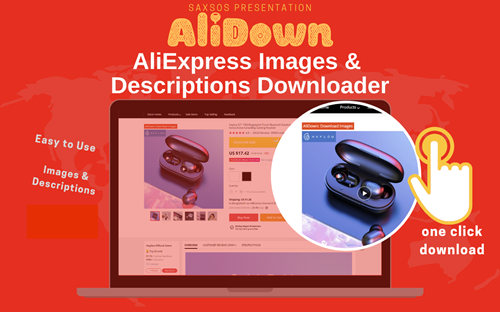
Install the official AliDown Chrome extension and grab every product image, variant, and video — including review photos — in one click. Unlimited downloads, forever free, no credits needed.
- One-click bulk download
- ZIP, single files, or HD originals
- No login required, no credit limit
- Works on AliExpress, AliBaba & Taobao
⭐ 4.9 / 5 average rating · 10,000+ active users